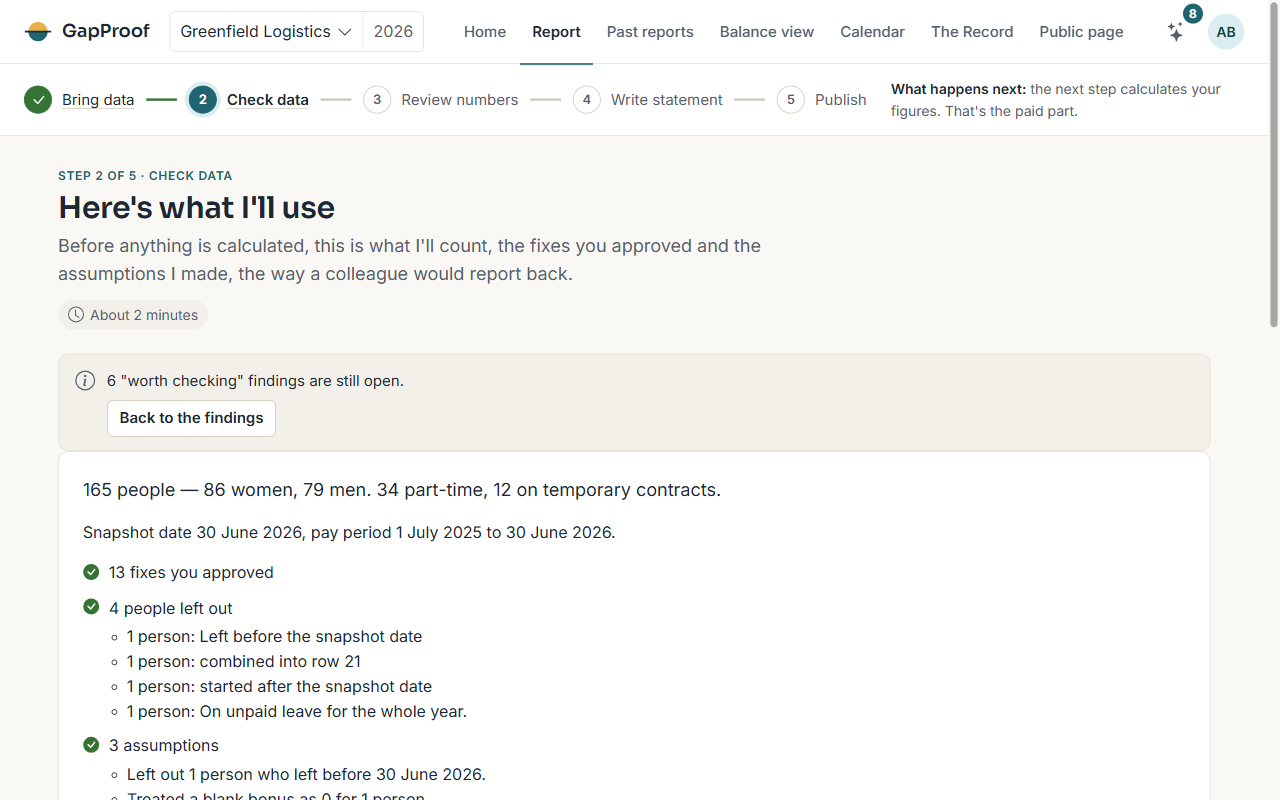
What the health check shows
I read every row and group what I find by its cause, so you decide once for everyone it affects. Findings come in three kinds:
- Must fix: the report can't run until these are settled.
- Worth checking: probably not right, but the report can run without them.
- Handled: things I settled on my own, such as leaving out someone who left before the snapshot date. Each one can be undone.
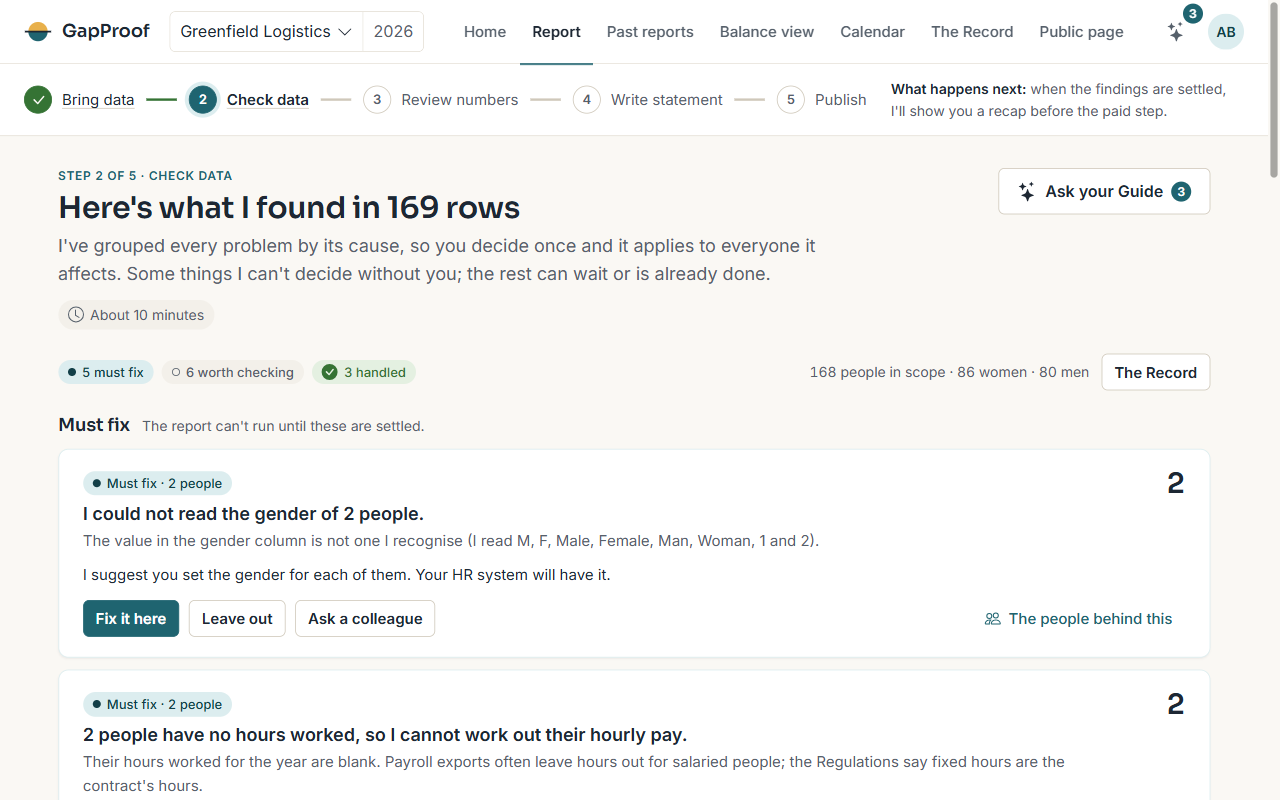
Ways to settle a finding
Each finding offers the choices that make sense for it:
- Fix all like this: apply my suggestion to everyone the finding covers.
- Fix it here: enter the right value for each person.
- It's right, keep it: keep the value as it is and say why.
- Combine into one person: when one person appears on more than one row, for example after a contract change.
- The people behind this: see who the finding is about, 50 at a time.
Every change asks for a few words of reason, and writes one line per person to the Record, with the old value beside the new one.
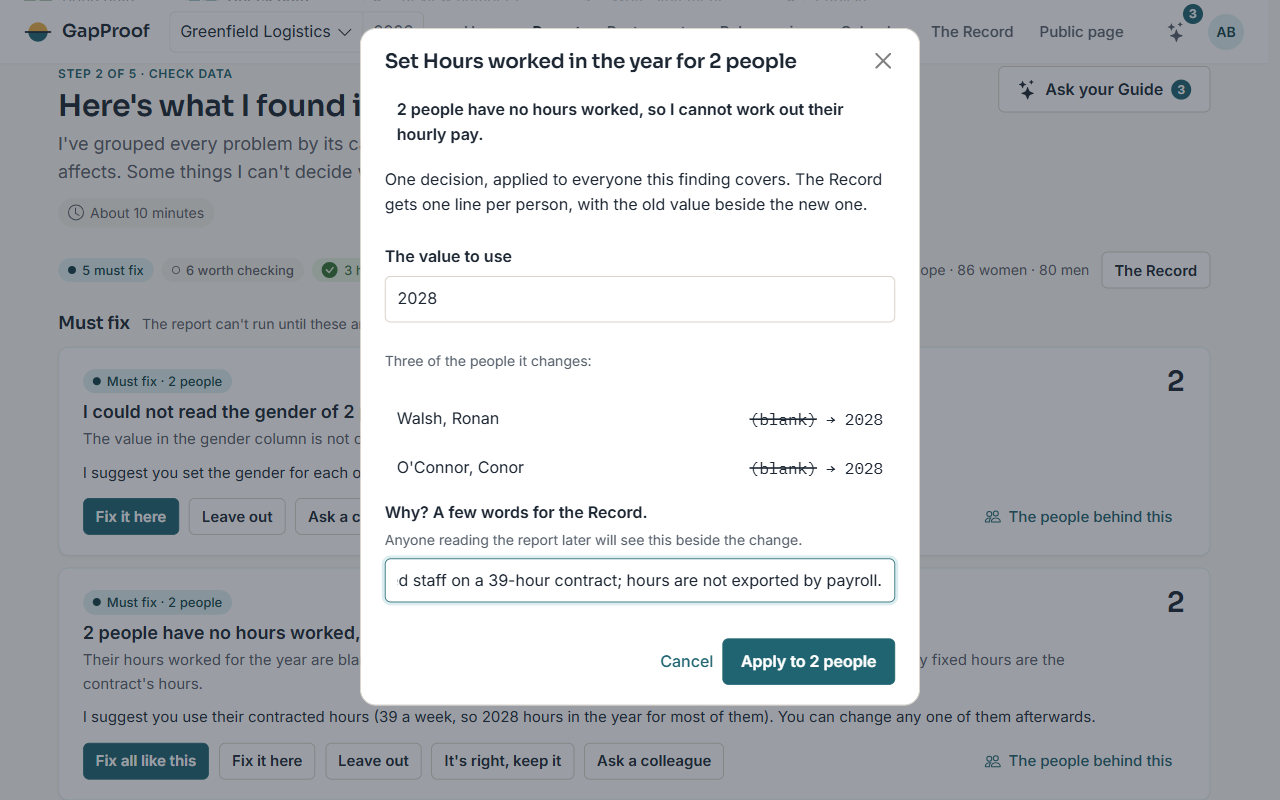
Leaving someone out
Leave out takes a person out of the report with a reason, such as someone who started after the snapshot date, a contractor or a duplicate record. They stay in your file and in the Record; they just aren't counted. You can bring them back until the snapshot is frozen.
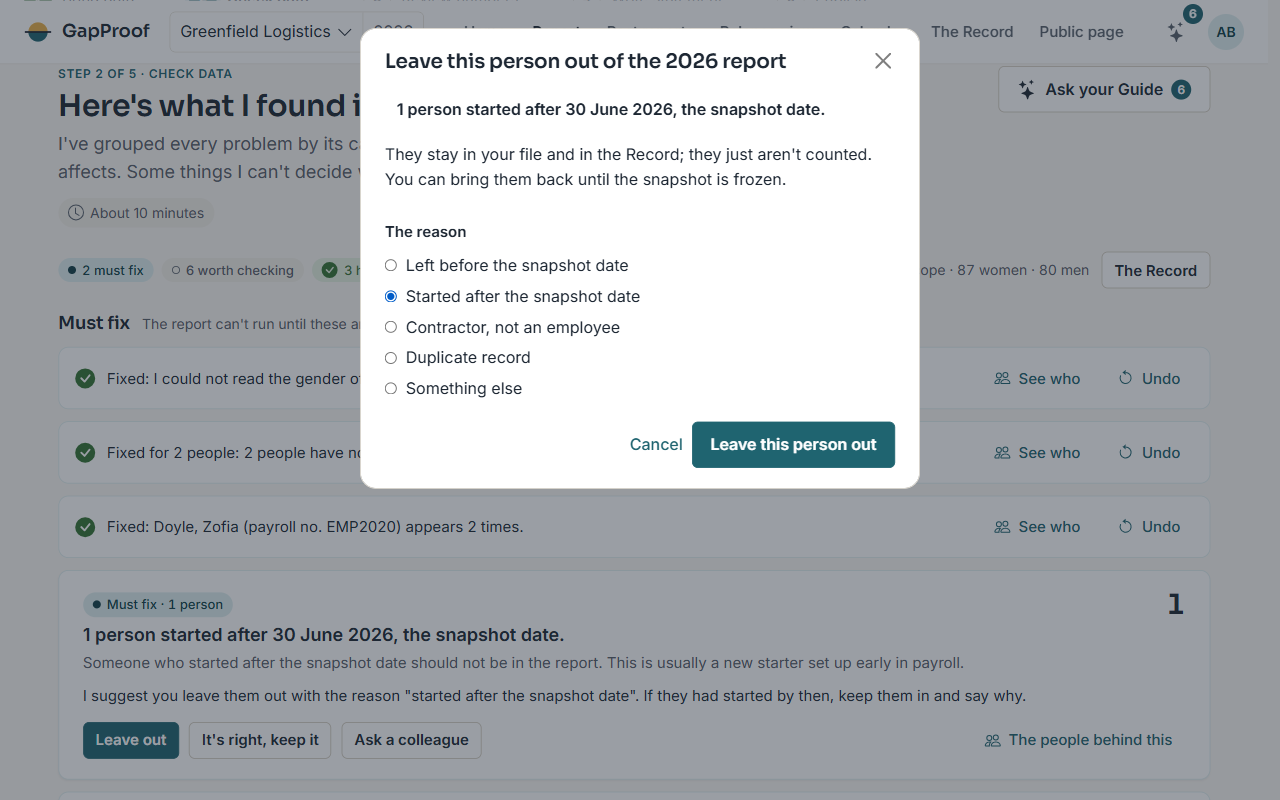
Asking a colleague
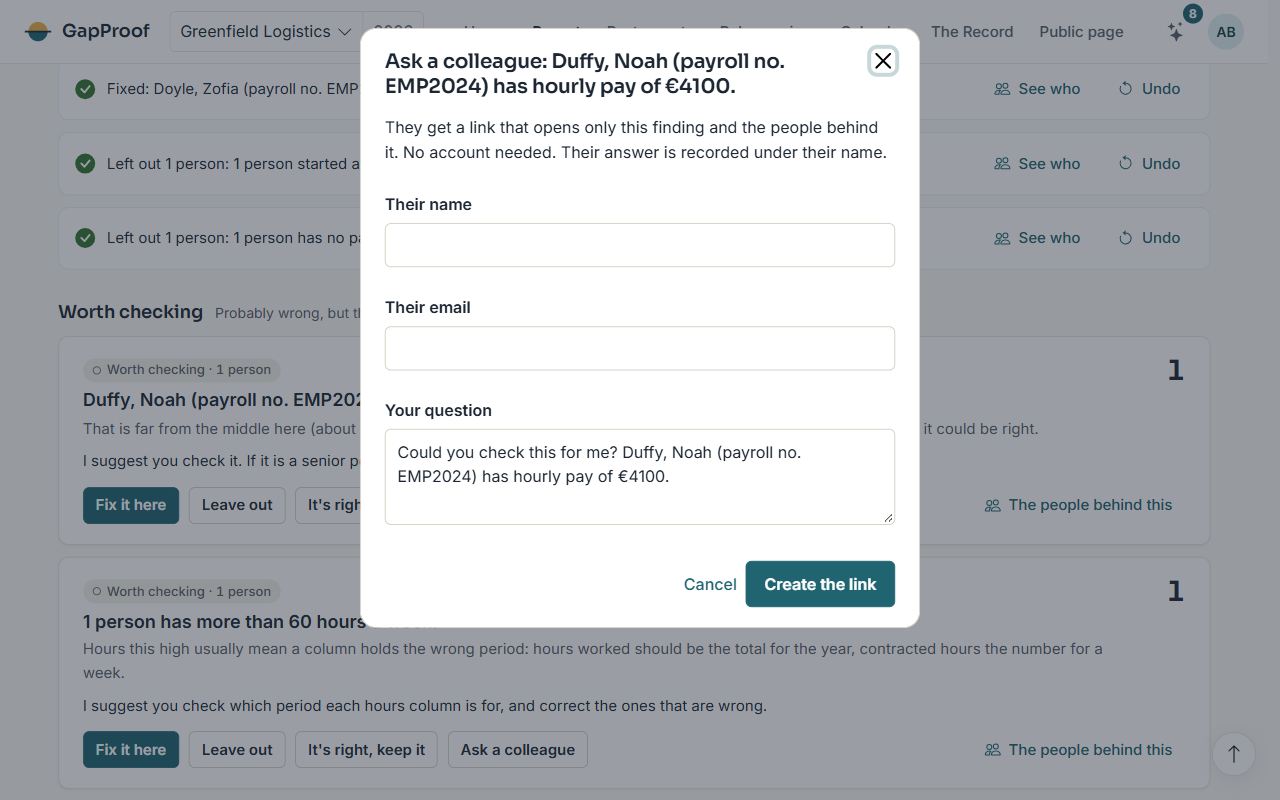
If someone else knows the answer, such as HR for a missing gender or payroll for an odd hourly rate, choose Ask a colleague. They get a link that opens only that finding and needs no account. To see the people behind it, they enter a code I email to the address you gave.
Their answer is recorded under their name.
The recap
When nothing is left to fix, choose See what I'll use so far. The recap shows who I'll count, the fixes you approved, the people left out and the assumptions I made, the way a colleague would report back.
If it looks right, choose Yes, go to the paid step. Worth checking findings can stay open; the recap tells you how many there are. If something isn't right, go back to the findings and change it.