What the snapshot date is
The Irish rules ask you to choose one day in June (the snapshot date). Everyone employed on that day is counted, and their pay, bonuses and extras like a company car (benefit in kind) are counted over the twelve months up to it.
Most employers pick a day in the middle of a normal pay period. No day is better or worse for the figures; it's about what your payroll can show cleanly.
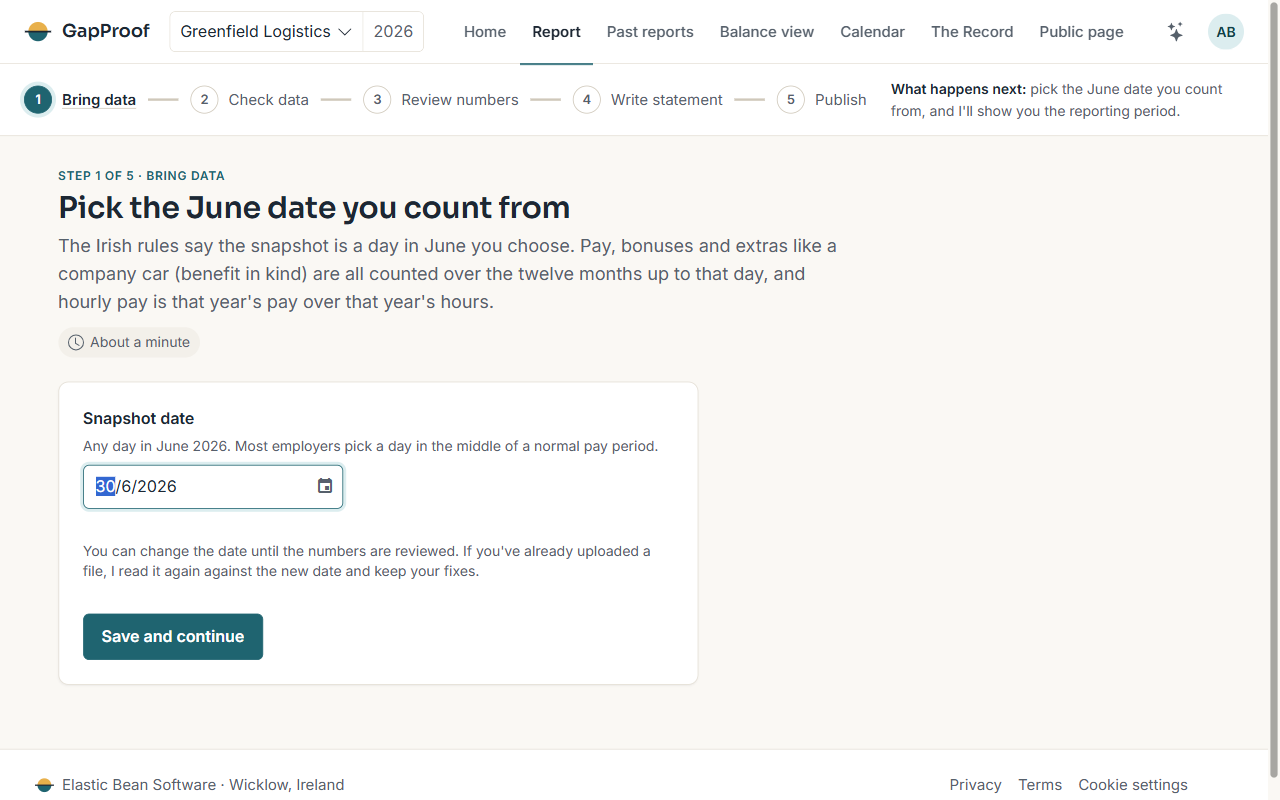
Picking it
- Open Report in the top bar, or choose Pick your snapshot date on Home.
- Choose any day in June from the calendar.
- Choose Save and continue. I show you the twelve-month pay period that date gives you.
Changing it later
You can change the date until you freeze the snapshot. If you've already uploaded a file, I read it again against the new date and keep your fixes.
The dates that follow
Your report must be public within five months of the snapshot date, and uploaded to the Government's Gender Pay Gap Portal by the same day. The Calendar shows both dates and sends you reminders.