Owners and editors
Everyone on your account is an owner or an editor. Editors do the work: upload, settle findings, review the figures and draft the statement. A few steps are an owner's: freezing the snapshot, approving the statement, publishing, confirming the Portal upload, and billing. When you are an editor, the app says whose step it is.
Inviting people
- Open Settings from the account menu (your initials, top right) and go to People who can work on the report.
- Enter their name and email, and choose owner or editor.
- They get an email invitation to join.
Owners can change a role or remove someone at any time. Each plan includes a number of people; going over is never refused, and your Guide suggests the plan that fits.
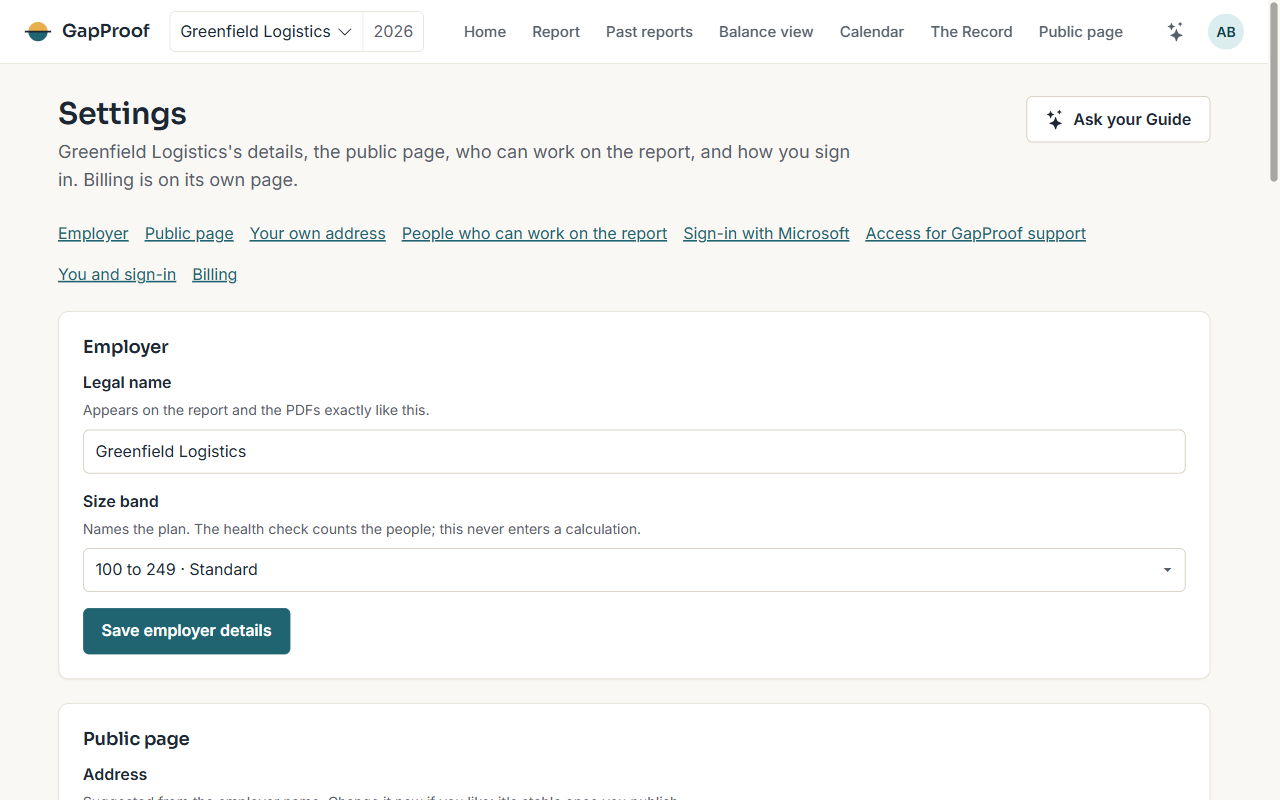
Employer details and the public page
Settings holds the employer's legal name exactly as it appears on the report, the address of the public page, your brand colour and your logo. On Plus you can also show the public page at an address on your own domain.
Signing in with Microsoft
On Plus, an owner can connect your organisation's Microsoft directory, so people sign in with their work account.
Letting us help
If you would like us to look at something with you, an owner can give GapProof support read-only access to one employer from Settings. We can see, never change, and the access ends when you end it.
More than one employer
Groups and advisers can hold several employers in one account. Owners add employers on the Employers page, and each employer's data is kept entirely apart. Choose the employer you are working on from the switcher in the top bar.