The Calendar
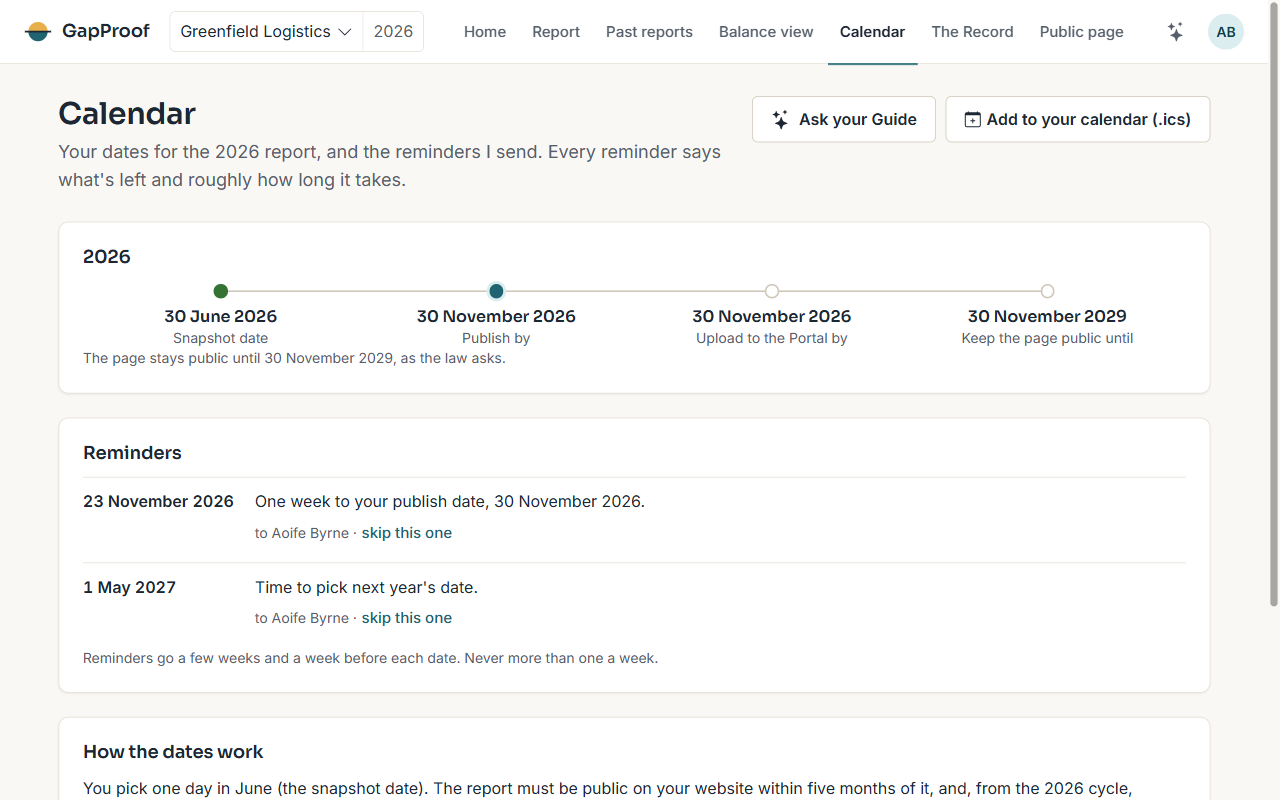
The Calendar lists your snapshot date, the publish-by date, the Portal upload date and how long the page must stay public, with the reminders I will send. Add the dates to your own calendar with the .ics link.
Reminders go a few weeks and a week before each date, never more than one a week, and each says what is left and roughly how long it takes.
Past reports
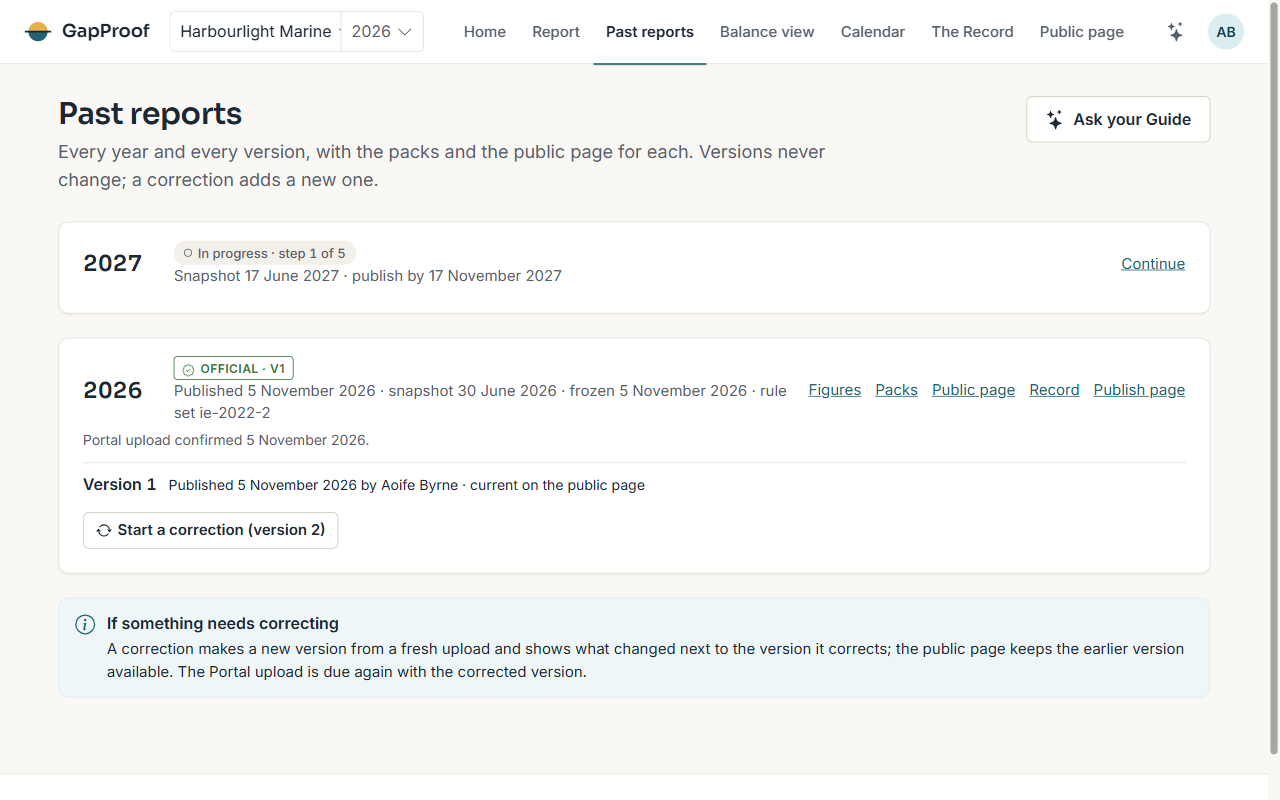
Past reports lists every year and every version, with its packs and its public page. Versions never change.
Next year
Each year is a new report. A month before June I ask whether to use the same snapshot date. If your export has the same headers as last year, I start from last year's column matches, so year two takes about an hour.
The Balance view
The Balance view shows your figures at a glance. Once you have published two years, it shows how they have moved year on year (Standard plan and up). On Plus you can also type in earlier years' figures; they are marked as entered by you and never appear in a pack or on the public page.
Correcting a published report
If you find a mistake after the freeze, an owner starts a correction from Past reports. It takes the report back to Bring data for a fresh upload, and your statement carries on from the earlier words. Freezing again makes the next version, and Past reports shows what changed next to the version it corrects.
Publishing the new version keeps the earlier one available on the public page. The Portal upload is due again with the corrected version.