Create your account
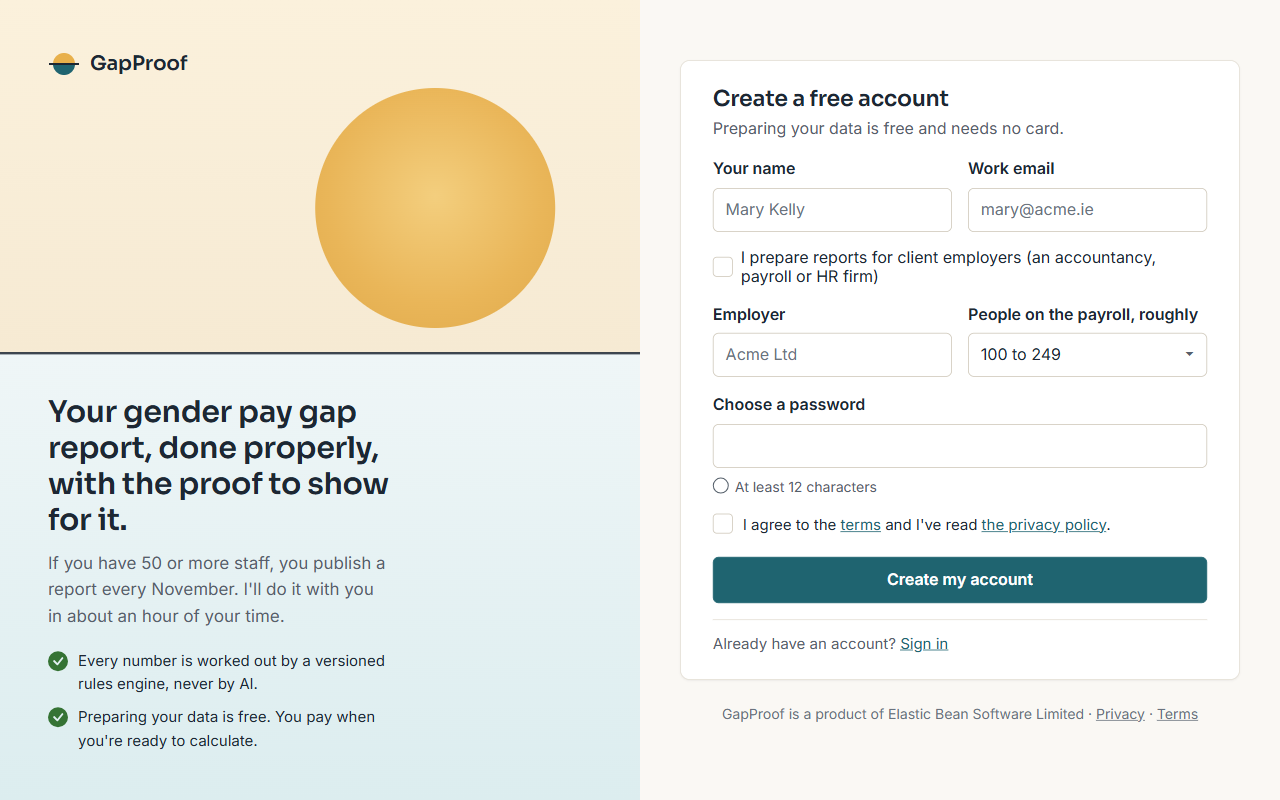
Sign up in the GapProof app with your name, your work email and the employer you report for. Preparing your data is free and needs no card.
I send a link to confirm your email address. Open it before you upload a payroll file; everything else works before then.
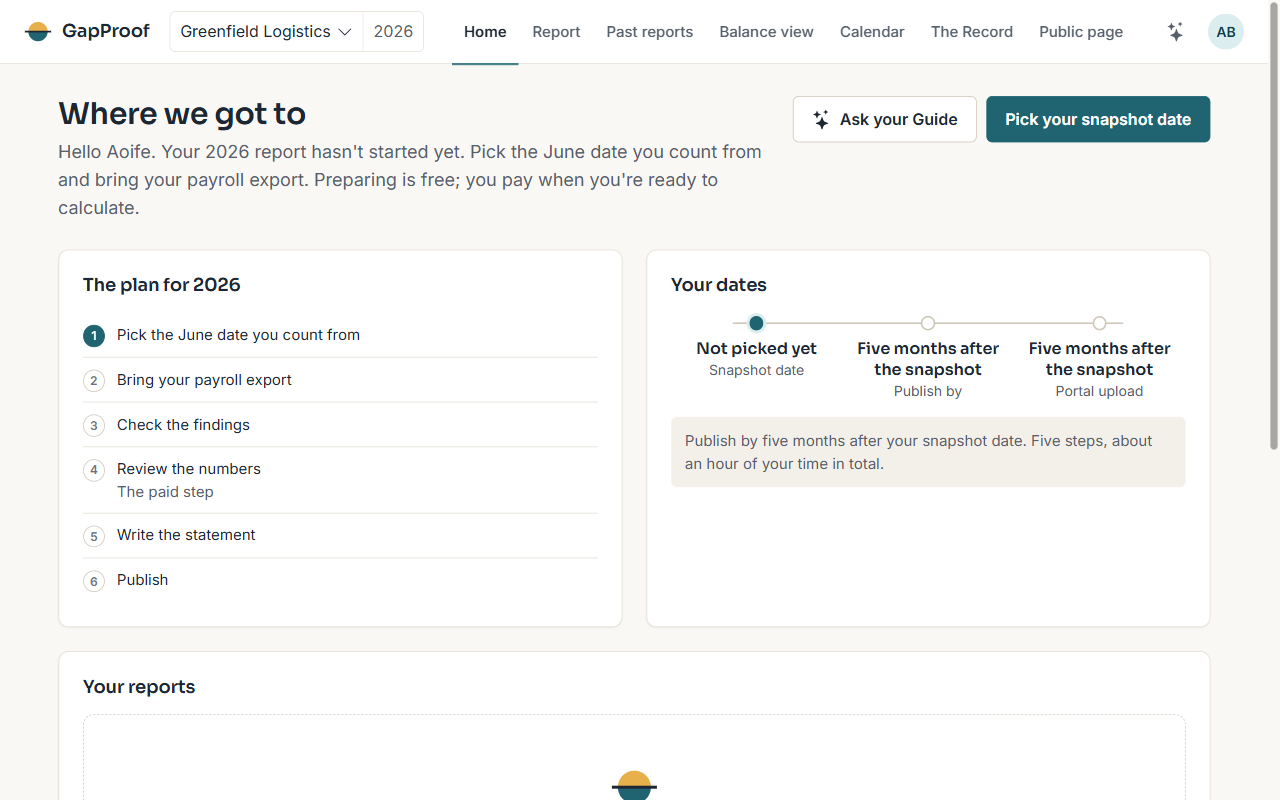
Home: where we got to
Home shows how far this year's report has got, the one thing to do next, your dates, and every report year you've started.
The top bar moves between areas: Home, Report, Past reports, Balance view, Calendar, the Record and the Public page. The year beside your employer's name chooses which year's report you're looking at.
The five steps
Every report goes through the same five steps, shown on the strip under the top bar:
- Bring data: pick your snapshot date and upload your payroll export.
- Check data: settle what the health check finds.
- Review numbers: pay, freeze the snapshot and read your seven figures.
- Write statement: say why the gap exists and what you're doing about it.
- Publish: put the report on your public page, then upload it to the Government's Portal.
The first two steps are free. Most people spend about an hour of their own time in total.
Getting help as you go
Every page in the app has a Help button in the top bar that opens the guide for that page. Your Guide answers questions beside the page, and you can always write to us at support@gapproof.ie.